
It takes a lot to get me jealous of an iPadOS feature when compared to what I can do on a Mac. The iPad is, obviously, much more limited in it’s usefulness when I think of what one can do on a more traditional PC. I don’t see myself running home-brew and my Plex sever from one anytime soon. But when Apple added full keyboard support for iPad a while back, they added something that I thought was super useful and wanted it on my Mac ASAP.
When holding the Command key while using a keyboard with your iPad, after a few seconds you get a pop-up of all available keyboard commands. Brilliant. What a great, and simple way, to remember and learn keyboard shortcuts. When Ventura was released a few months back, I immediately checked to see if it had made its way to the Mac. No go.
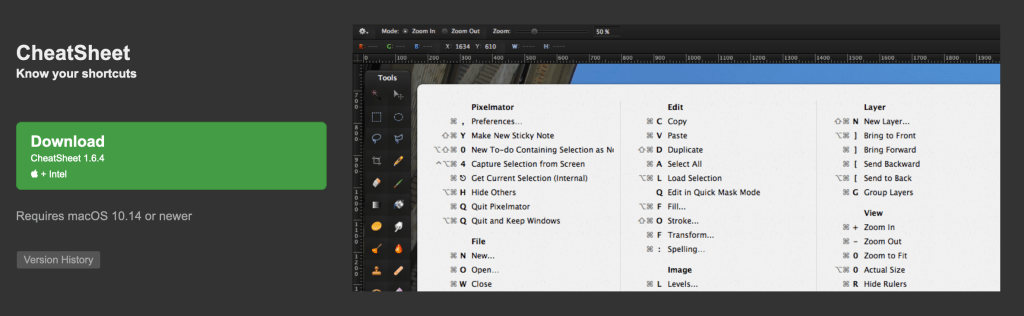
Luckily, I found a great third party app that adds this feature to the Mac! CheatSheet. What’s even better is it’s free and supports macOS versions going back to 10.14, so I guess it’s been around a while. I’ve been using it for a few weeks now and have been enjoying it.
One thing that is worth noting is that if you have the habit oof holding the command key while cycling through modifier, the CheatSheet will pop up and may block something you are doing. Not a big deal, as you are still able to do things like command tabbing through apps without issue. Just something to be aware of. Check out CheatSheet by mediaatelier.
https://www.mediaatelier.com/CheatSheet/
 dogcow.blog